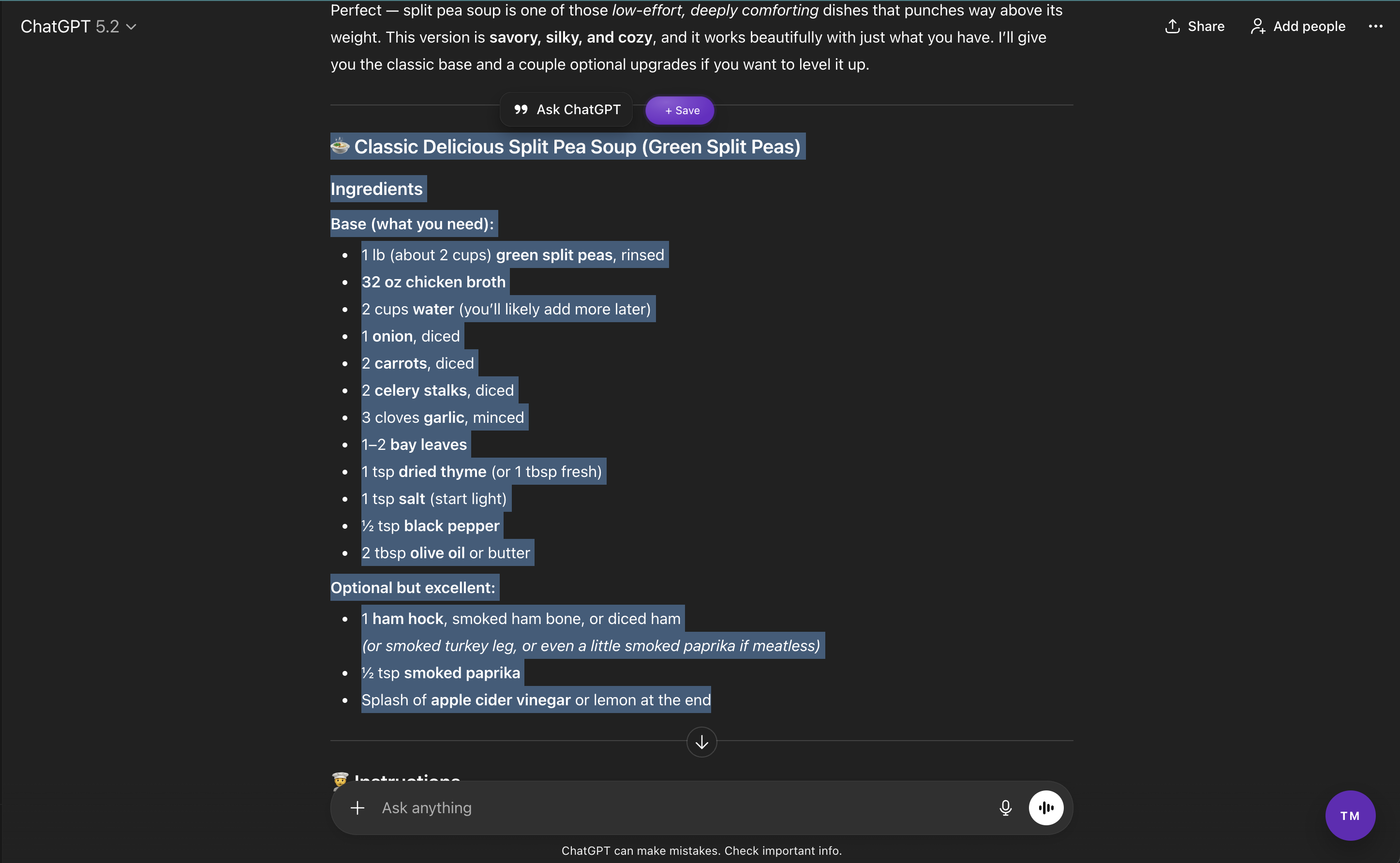
If you use ChatGPT often, you’ve probably noticed something frustrating.
Some of the best answers you get are the hardest to keep.
Saving ChatGPT conversations should be simple, but it usually isn’t. Copy-paste breaks formatting. Bullet points collapse. Code blocks become unreadable. Important insights disappear into long chat threads.
Over time, your best AI-generated ideas end up scattered across notes, documents, screenshots, and tabs. Not lost — but unusable.
The real problem with ChatGPT conversations
ChatGPT is designed for conversation, not memory.
- screenshots for quick ideas
- Google Docs for longer answers
- Notion or Notes for fragments
- bookmarks for important chats
The cost isn’t obvious at first. You re-ask questions. You rebuild ideas you already had. You lose momentum because your thinking isn’t preserved.
ChatGPT gives you intelligence. But it doesn’t help you keep it.
What happens when you actually save ChatGPT conversations
When ChatGPT responses are saved properly, something changes. Ideas stop disappearing. Research becomes cumulative. Conversations turn into a knowledge base instead of a scroll feed.
That’s the difference between casually using AI and truly working with it.
Who this matters for
Saving ChatGPT conversations is especially valuable if you:
- generate product ideas, specs, or strategies
- save technical explanations or code snippets
- collaborate with teammates using AI outputs
- use ChatGPT daily for work or learning
- write drafts, outlines, or research notes
- need clean structure you can reuse later
If ChatGPT plays any meaningful role in your workflow, losing its outputs isn’t just annoying — it’s inefficient.
The hidden difference between casual users and power users
Most people treat ChatGPT like a smarter search engine. Power users treat ChatGPT like a thinking partner.
The difference isn’t prompts. It’s retention.
A practical next step
There are only three realistic ways to deal with ChatGPT outputs:
- 1 Keep copy-pasting and hoping you can find things later
- 2 Build your own system across notes, docs, and screenshots
- 3 Use a tool designed specifically to save ChatGPT conversations
If you want the simplest option, Threadmark was built for this exact gap.
Try it once and decide
The easiest way to understand the value isn’t reading about it. It’s saving one conversation.
- Highlight one useful answer in ChatGPT
- Save it with Threadmark
- Reopen it later and notice the difference