Puppy Playground
Children spell three-letter words by listening for the short vowel in the middle.
Example words
- cat
- bed
- sun

Spelling Games for Kids
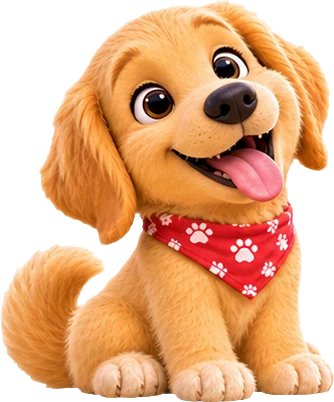
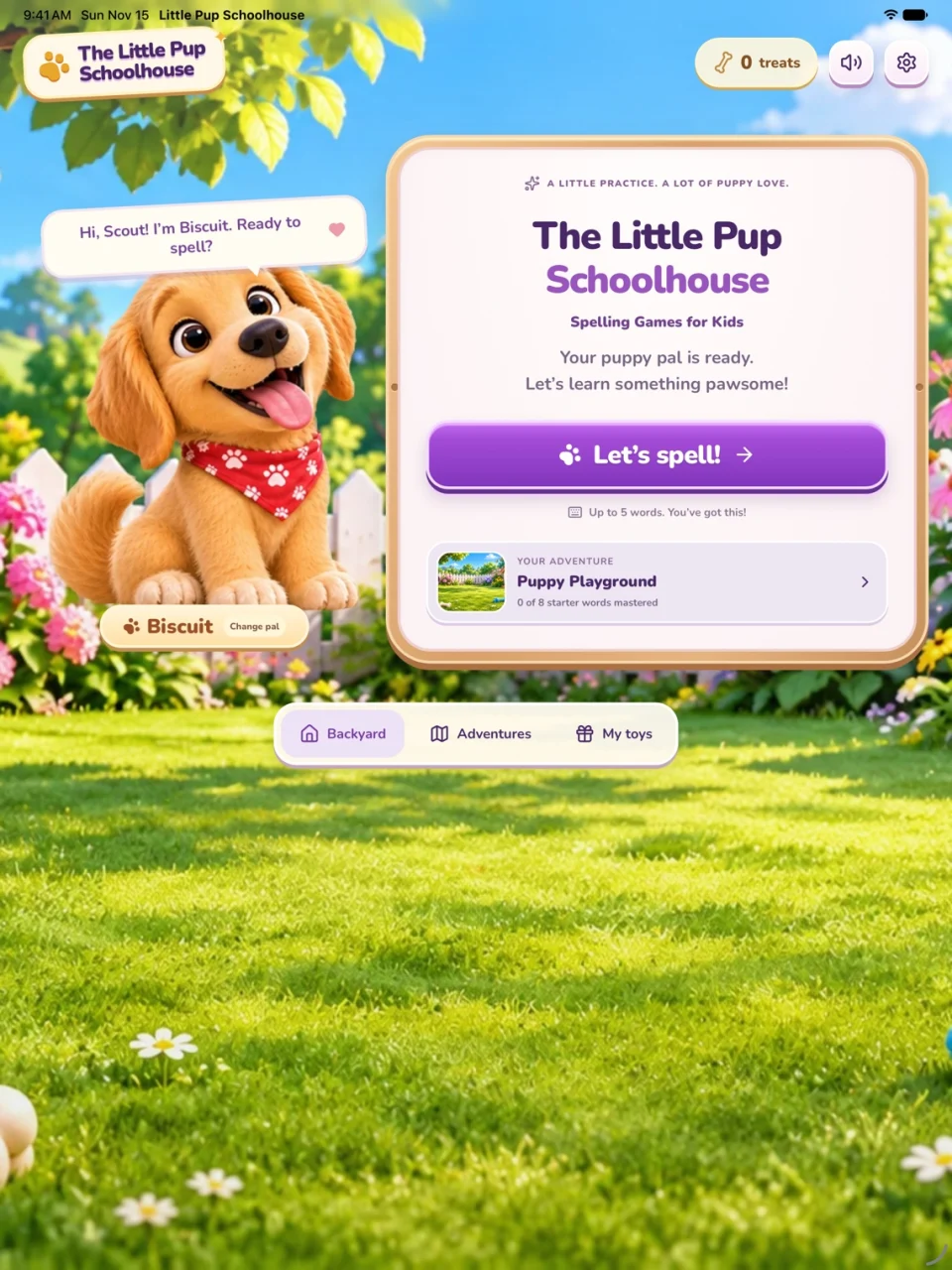
Pick a puppy pal and practice spelling one little word at a time. Listen to a clue, build the word with letter tiles, and earn treats and toys along the way.
Playable web sample
Three little words, one at a time. Use the picture clue or listen to the word, then tap a tile or type a letter.
Word 1 of 3
Biscuit earned a treat.
Children spell three-letter words by listening for the short vowel in the middle.
Example words
Children practice pairs like sh that make one sound and blends like fr that keep both sounds.
Example words
Children spot word families with shared endings and practice letter groups like ck and gr.
Example words

Children learn how a silent e or a pair of vowels can make a long vowel sound.
Example words
Children practice vowel sounds changed by r, pairs of vowels, and words with two syllables.
Example words
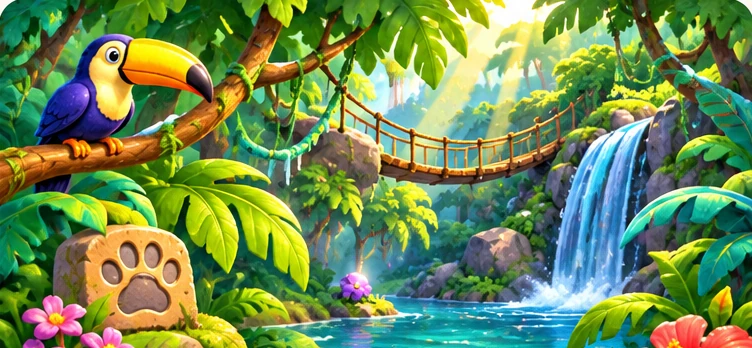
Children practice more vowel sounds, including vowels changed by r and patterns like ou and igh.
Example words

Children split words into syllables, add endings like -ing, and join two words to make a compound word.
Example words
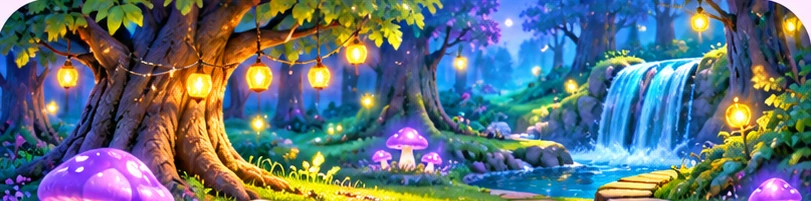
Children practice common words with tricky spellings that can be hard to sound out.
Example words
1 of 8, Puppy Playground
Inside the iPad game
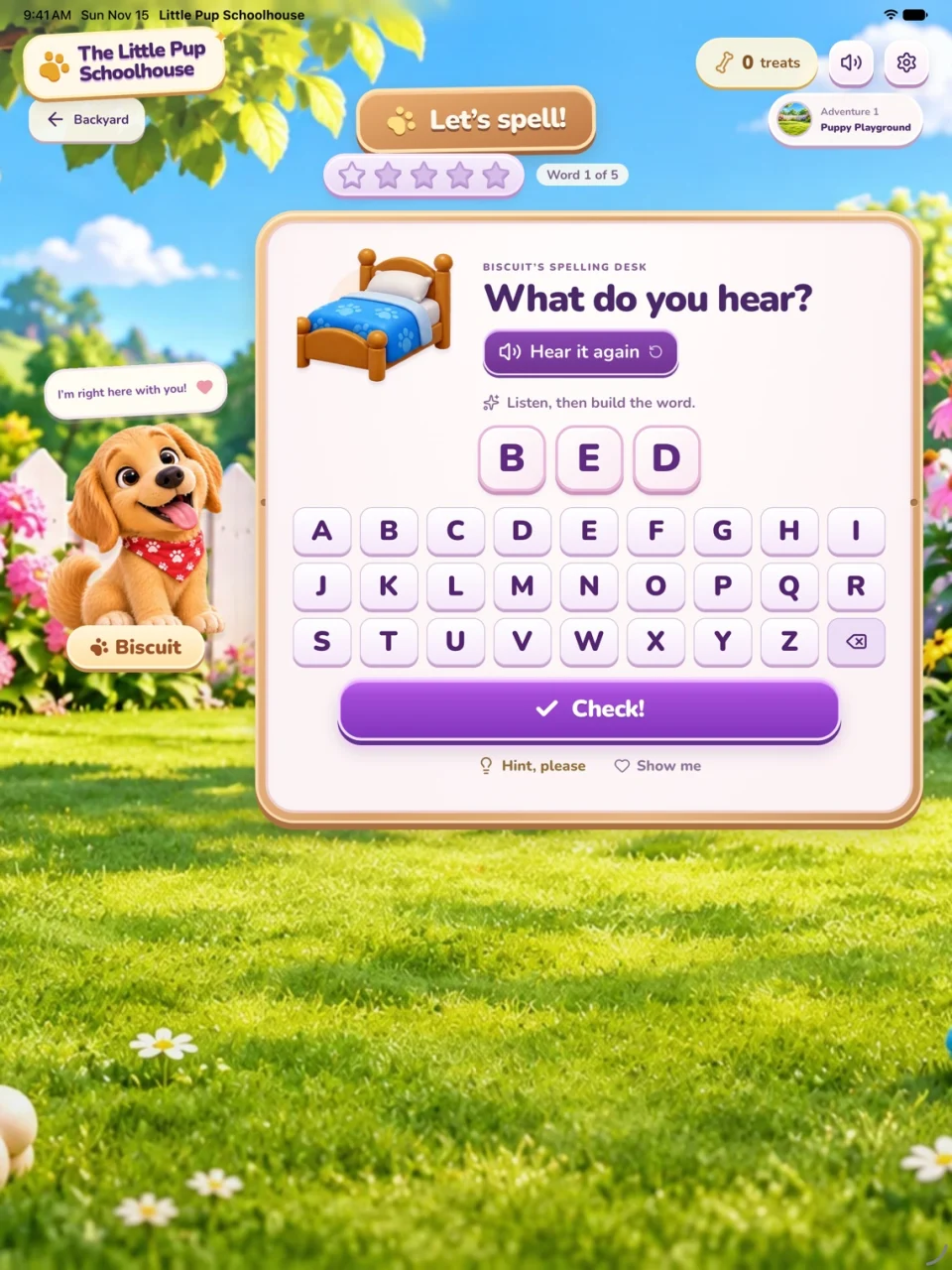
Hear the word in a short sentence and tap the letters in order. Replay the recording whenever you need it.
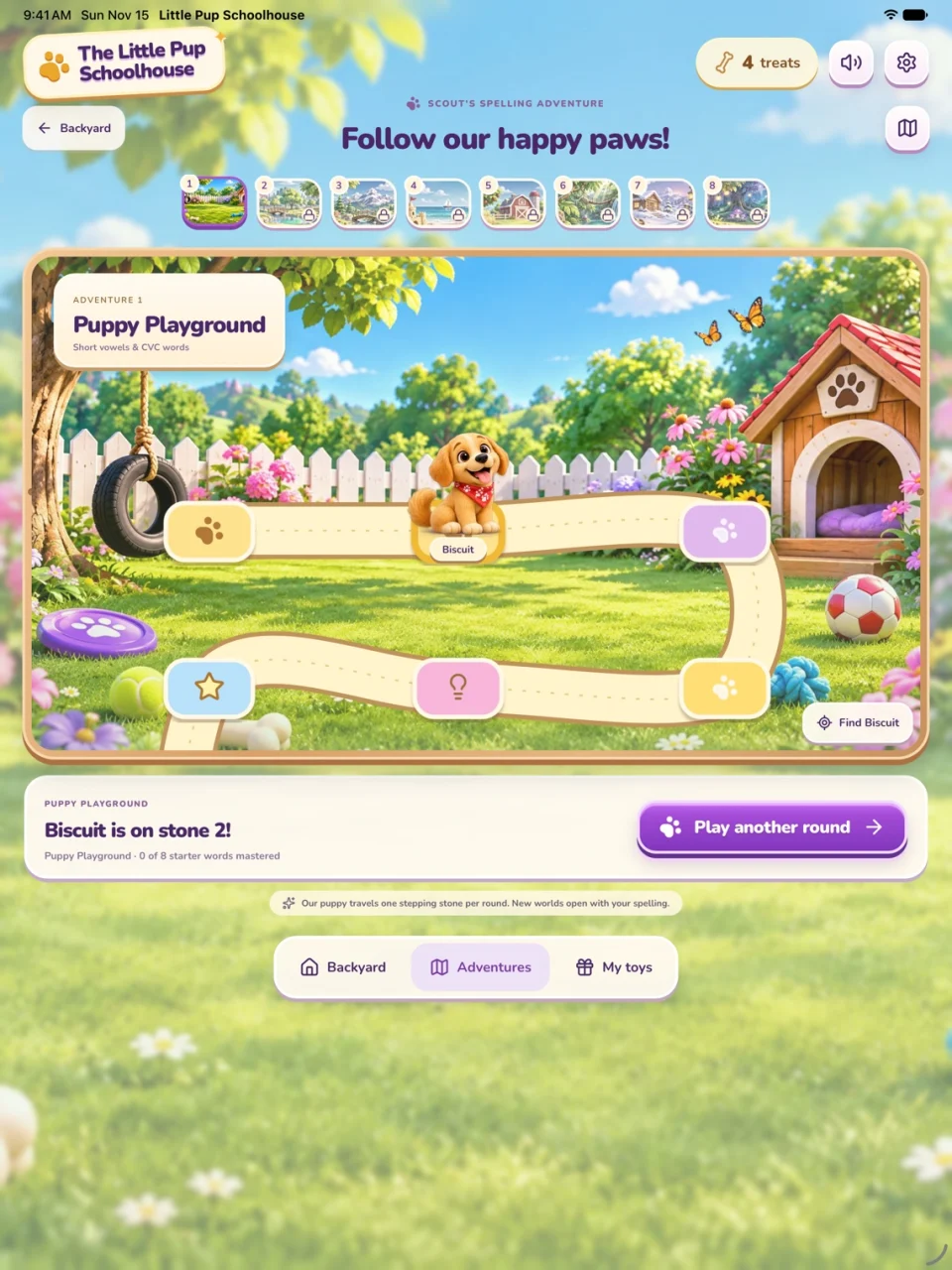
Follow your progress on the adventure board. Earn treats and toys to share with your puppy pal.
Questions about getting started, saved progress, or playing offline?
Email GoodUse LabsEnter a nickname or tap Play without a name. Pick a puppy pal and tap the button to confirm your choice. In the Backyard, tap Let’s spell! and use the letter tiles to build the word. Tap Hear it again to replay the cue.
Yes. Once installed, the spelling game and puppy recordings are available offline. The Help & Support and Privacy Policy pages need an internet connection.
Finish a spelling round to earn treats. Return to the Backyard and tap the treat count to open the Treat Jar. Choose Give a treat to share one with your puppy pal.
Tap the gear to reach the Grown-Up Corner. Choose Change name, then Clear name to remove the nickname. To start a fresh adventure, choose Clear game data and confirm.
Email GoodUse Labs at gooduse.labs@gmail.com. Tell us your iPad model, iPadOS version, and what happened. Please leave out your child’s name and other personal details.